Premium · Lifetime license

Your IPTV.
Reimagined.

Deno Player is the modern IPTV player for Android TV. Xtream Codes, Stalker/Ministra and M3U — with a full EPG guide, recording, catch-up and picture-in-picture. Lean, fast and built entirely for the remote.

€14.99one-time · lifetime
Android 6.0+from API 23
DE · TR · EN3 languages
Ad-freeno trackers
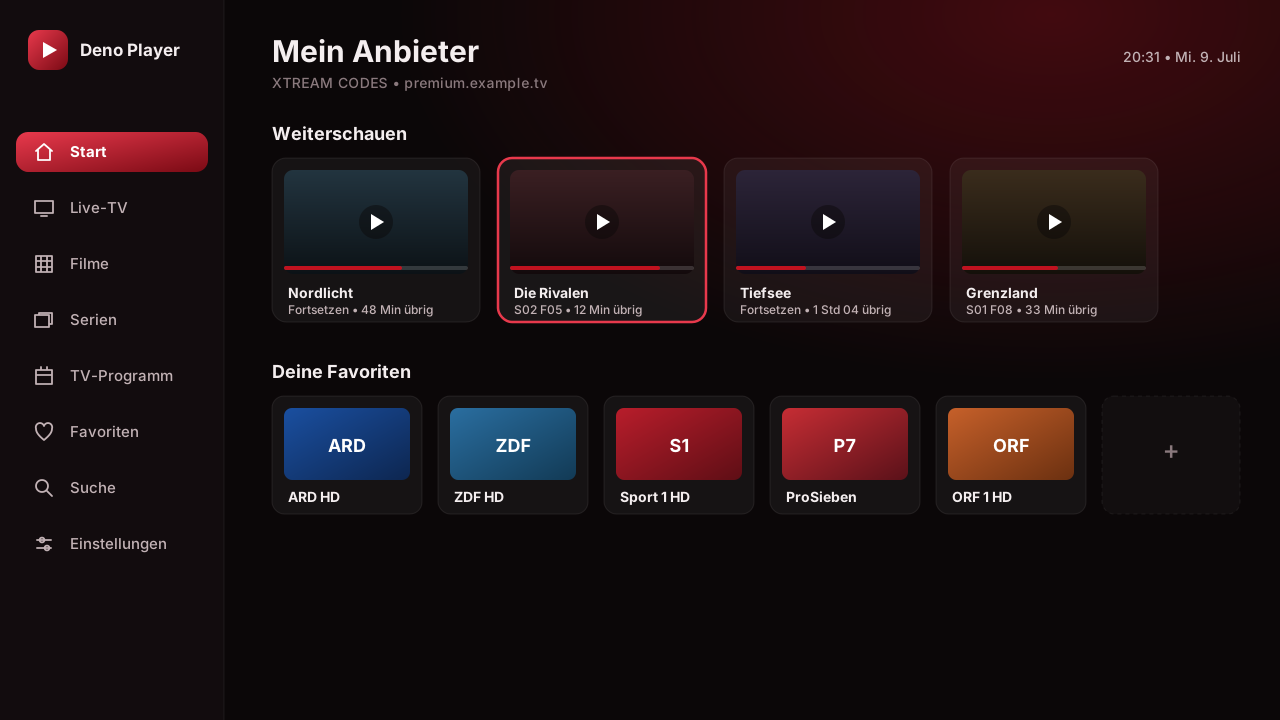
Deno Player – Home screen on the TV
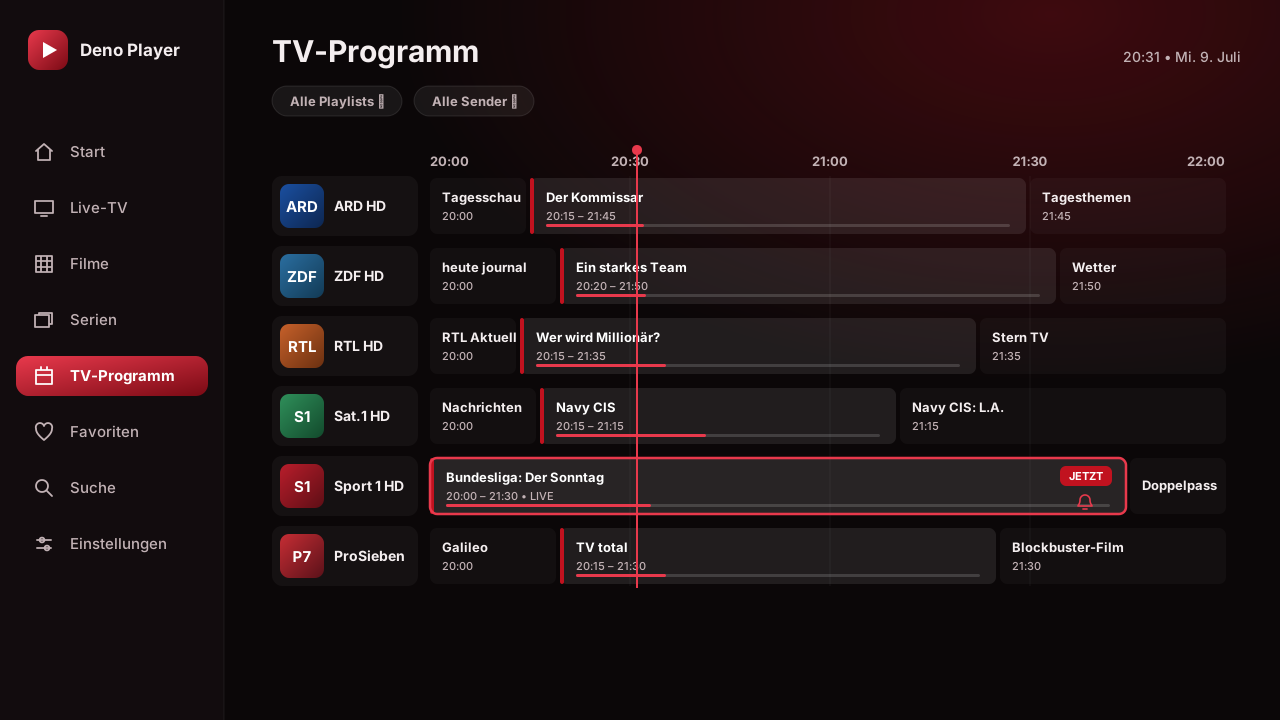
EPG GuideTimeline + reminders
Recordingstraight to storage
Features

Everything an IPTV player needs

From source to playback — professionally built and fully optimised for the 10-foot experience on your TV.

All sources

Xtream Codes, Stalker/Ministra (MAC + handshake) and M3U/M3U8 — multiple switchable playlists.

Media3 / ExoPlayer

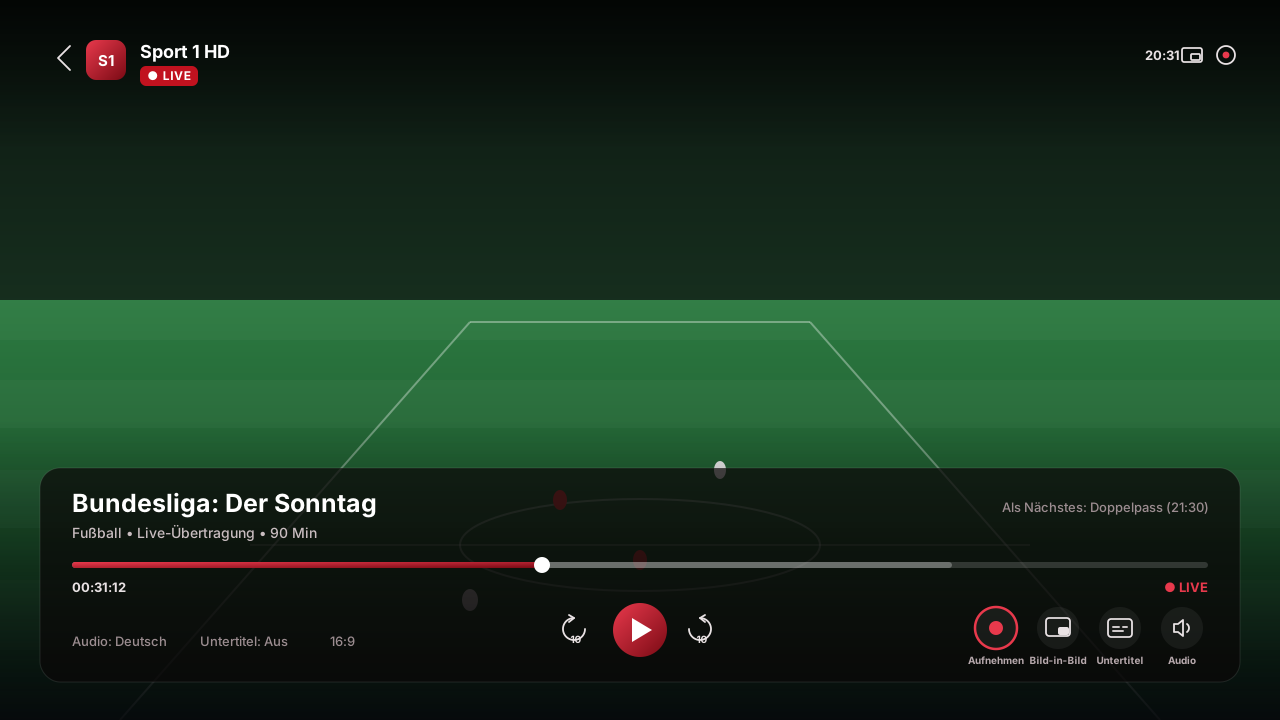
HLS, DASH, MPEG-TS, MP4/MKV with HW decoding, picture-in-picture and external player (VLC/MX).

Full EPG guide

XMLTV timeline with now/next, progress and reminders with auto-tune via alarm.

Catch-up & archive

Timeshift playback of missed shows and recording straight to device storage.

VOD & series

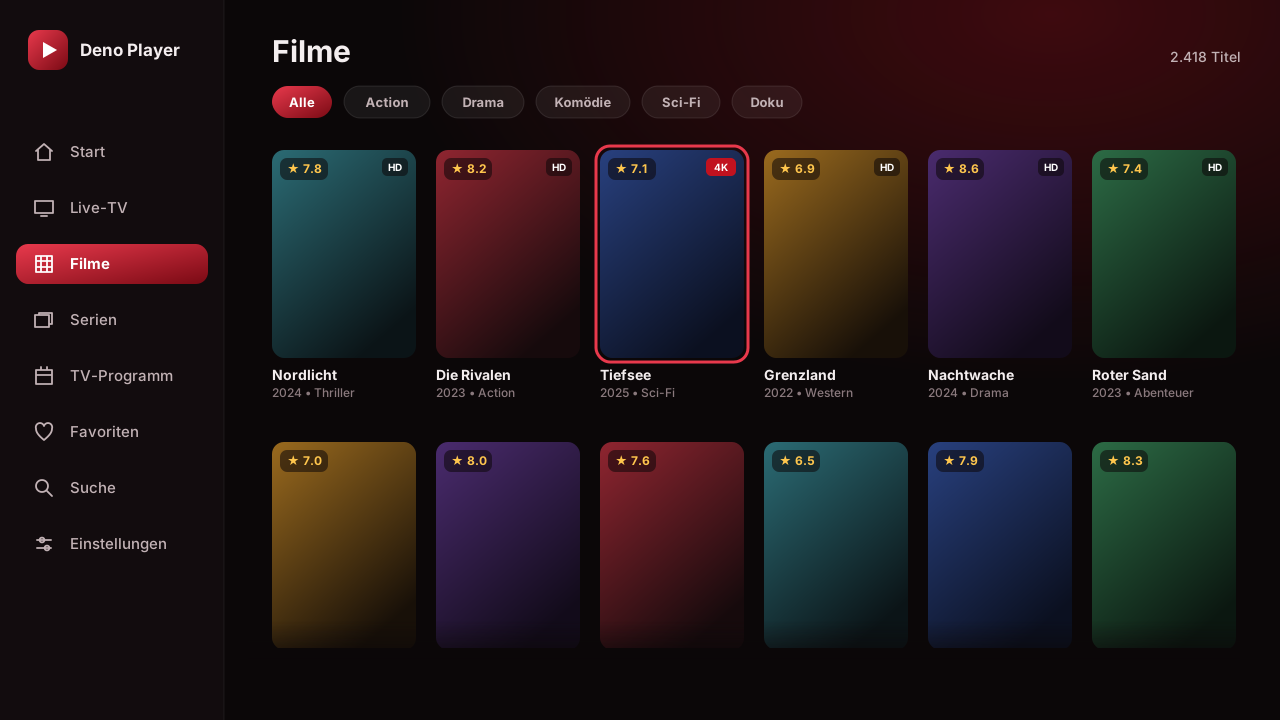
Movies and series with season/episode browser, "continue watching" and optional TMDB enrichment.

Search & voice search

Cross-catalog full-text search — including voice search via the remote.

Parental control

Parental PIN on adult channels, favorites, history and three switchable UI languages.

TV-first & ad-free

D-pad navigation, buffer tuning and a dark design. No ads, no trackers.
Screenshots

A look inside the app

Real interface, dark design — a few impressions from Deno Player. Click to enlarge.

Deno Player – Home screen
Home
Deno Player – TV Guide / EPG
TV Guide
Deno Player – Movies
Movies
Deno Player – Playback
Player

Get Deno Player Premium

One-time purchase, lifetime access. Buy Deno Player Premium and install it on your Android TV device, Fire TV Stick or smartphone.

€14.99 Lifetime license
One-time paymentno subscription
Lifetime updatesall future versions
Android 6.0+Phone · TV · Fire TV
Signed APKad-free
Buy now · €14.99
Secure checkout · premiumstore24.com
Version 1.0.0 · — MB ·
SHA-256: —

After your purchase

  1. Complete your purchase — buy Premium and download the APK from the store.
  2. Allow unknown sources — confirm the prompt when opening the APK.
  3. Tap Install and wait a moment.
  4. Add a playlist — enter your Xtream, Stalker or M3U details and get started.
Mobile & Community

Community & support

Scan the code to open the store on your phone, join the Discord community, or get in touch directly.

Straight to your phone

Scan the QR code with your camera and open this page on your smartphone right away.

Discord community

Join the Discord: news, support, feature requests and chat with other users.

Join Discord

Contact & support

Questions, feedback or a problem with the app? Write me a message directly.

Write a message
Version history

Changelog

All new features, improvements and fixes at a glance.